We have a Windows Server that
from time to time gets hit by an IP over and over again. We can see it
in our Event Logs. That IP is up to no good. So it’s time to block them.
Here is how;
Service Manager -> windows firewall with advanced security ->Inbound Rules You can also get there by Start -> administrative tools > windows firewall with advanced security
New Rule
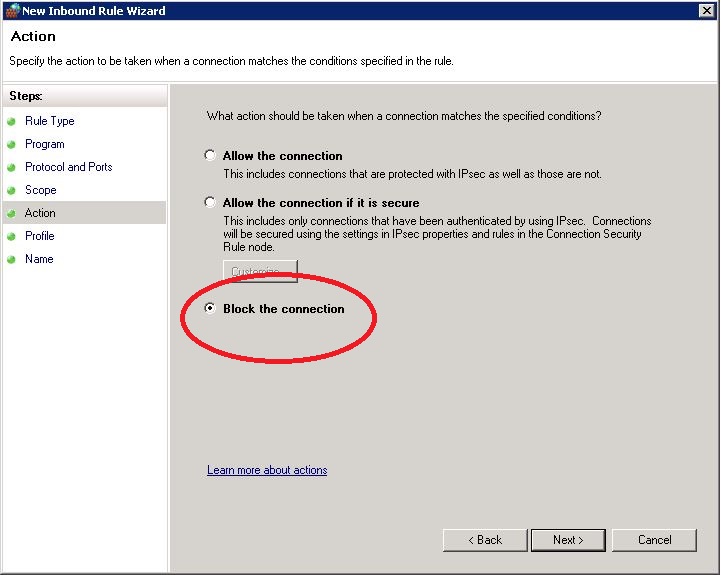
Now follow these screen shots
After you click finish, you can view your new rule




0 Response to "BLOCK IP ADDRESS"
Post a Comment